How to Obtain HP Meter Readings
Prior to providing manual meters reads - Did you know that these can be automated by contact support@rbcgroup.com.au?
HP ENTERPRISE DEVICES
1. Scroll across to Reports

2. Click on Configuration/Status Pages
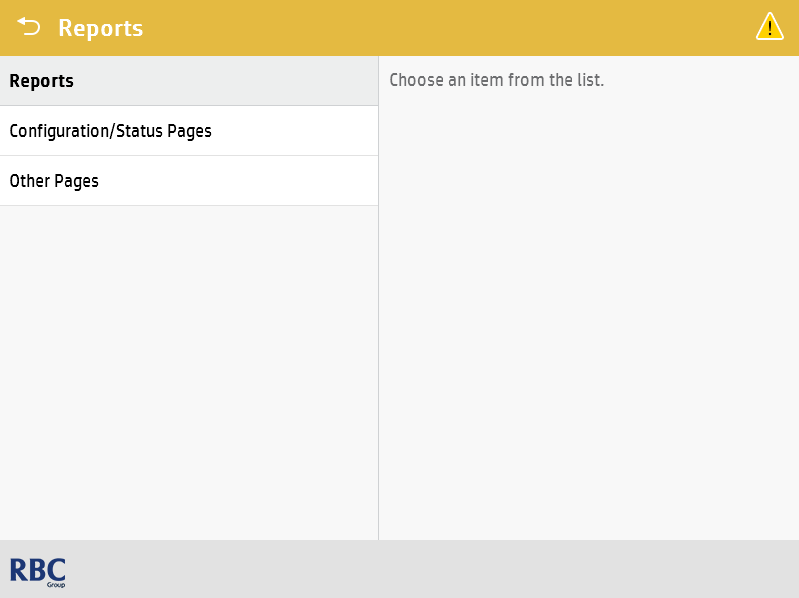
3. Tick Usage Page and tick the little printer symbol on the bottom right of the screen
4. The two numbers you are the grand total for Monochrome & Colour

HP PRO DEVICES
1. Find the little round gear symbol (for settings) in the bar at the top of the screen and tap on it


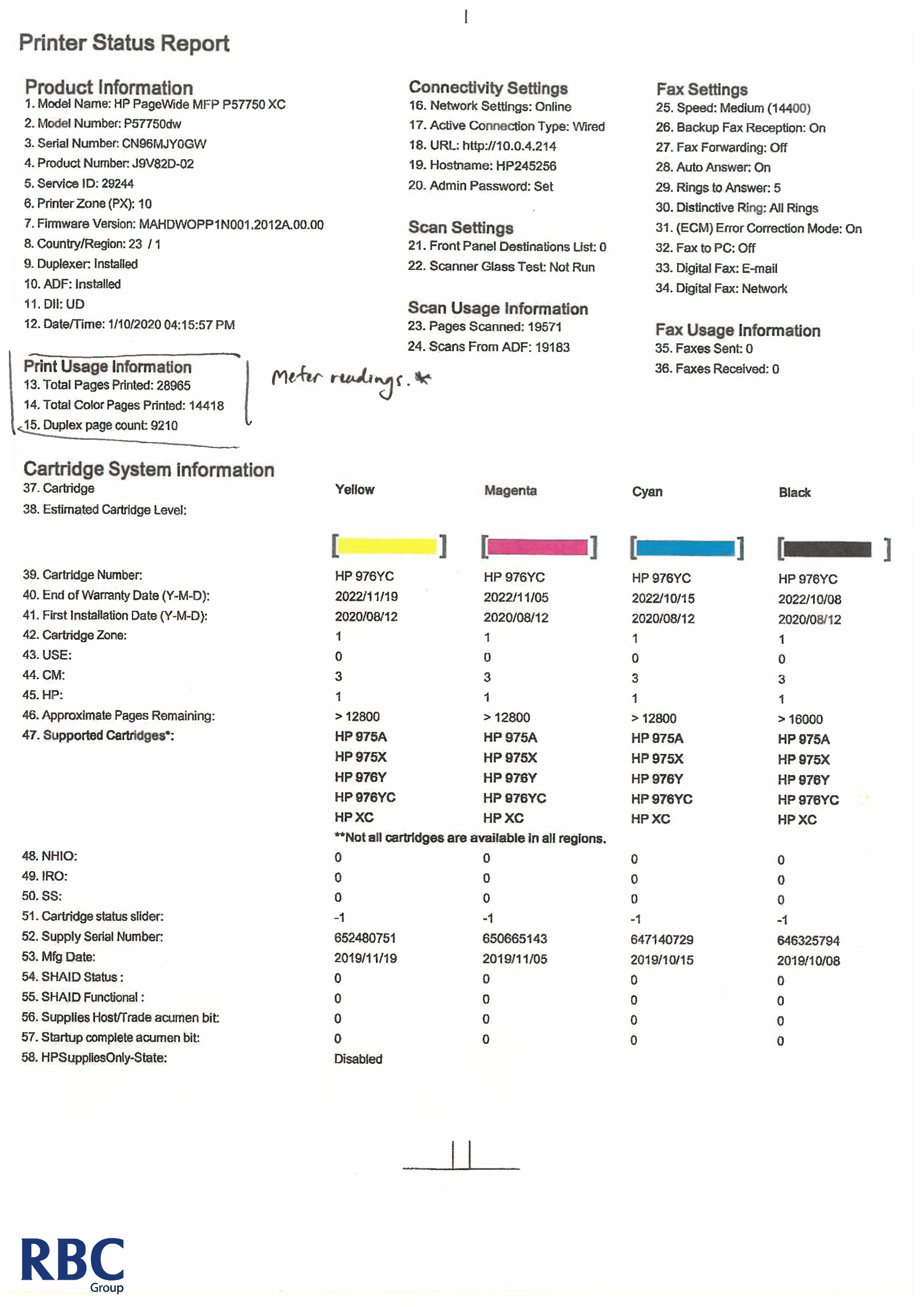
3. Tap on Printer Status Report
4. To work out your mono meter count: Subtract the Colour Pages Printed from Total Pages Printed
E.G.
28965 - 14418 = 14547
Black and White = 14547
Colour = 14418
Single Function HPs (WITHOUT LARGE PANEL)
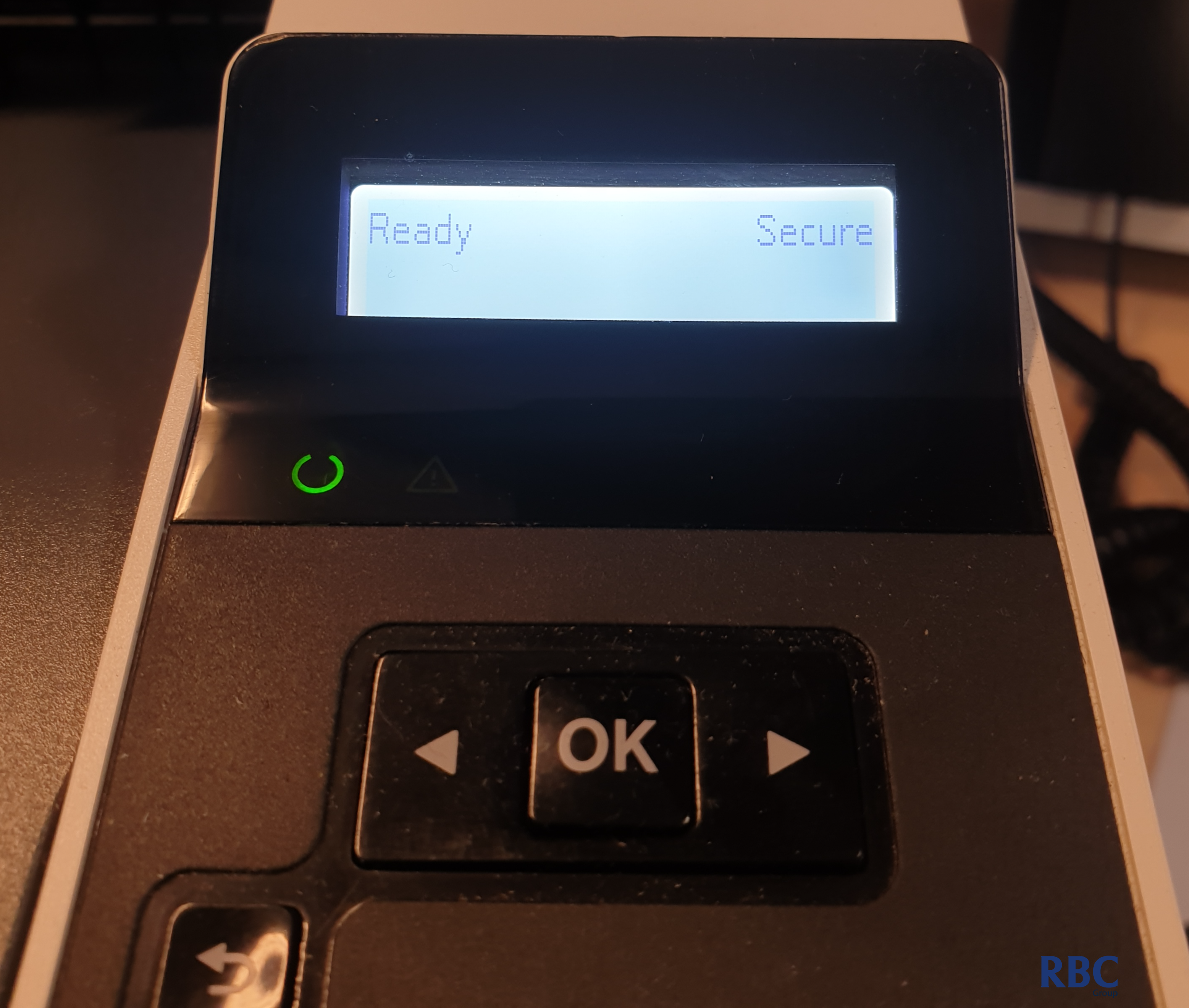
1. From the base screen, tap on the right arrow until you reach Reports then tap OK


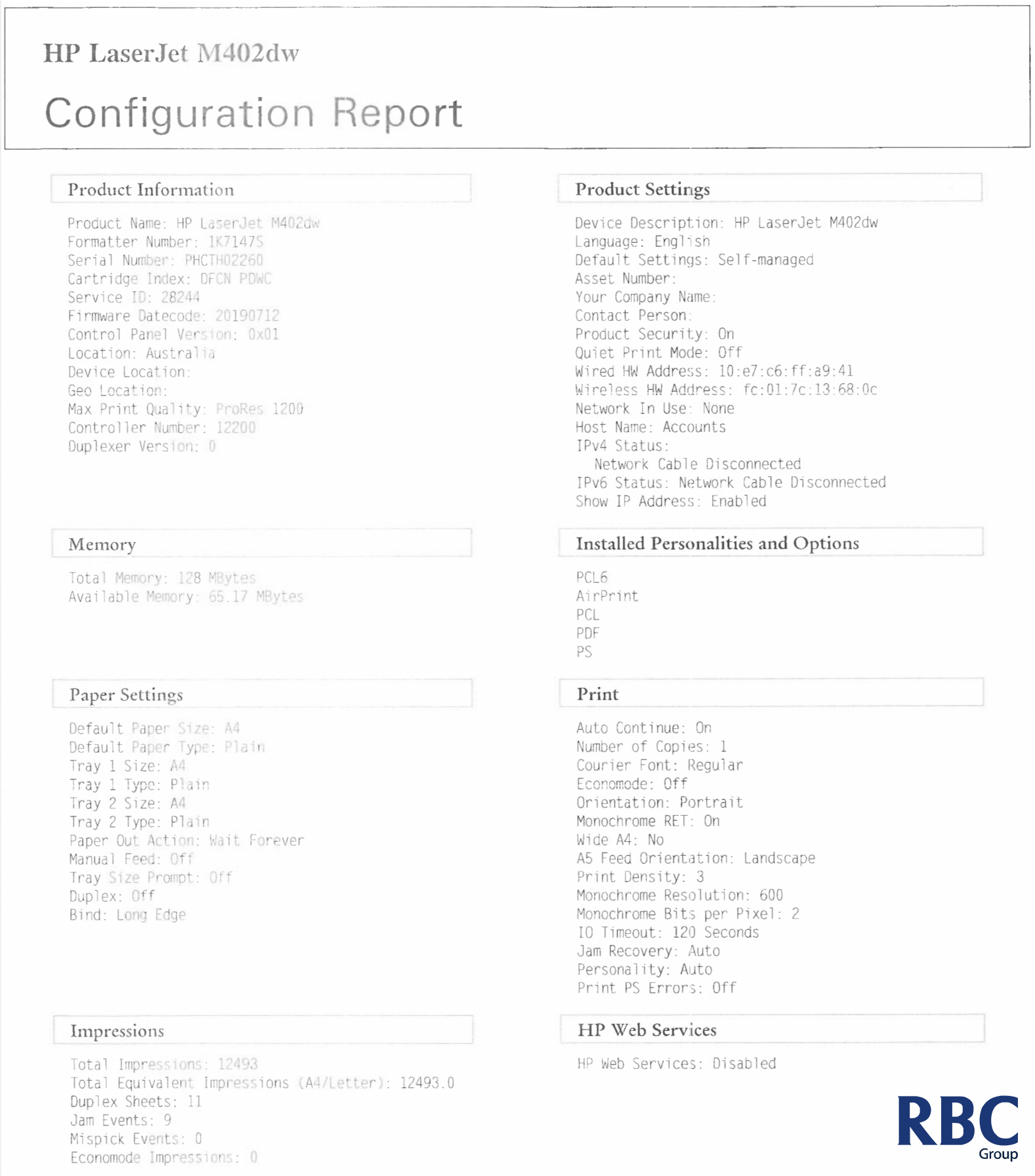
3. Total Impressions = Meter Reading for the machine
E.G
Reads = 12493